![MT White Logo _ PNG-01.png]](https://help.medicaltracker.co.uk/hs-fs/hubfs/MT%20White%20Logo%20_%20PNG-01.png?height=31&name=MT%20White%20Logo%20_%20PNG-01.png)
To change your Medical Tracker password
-
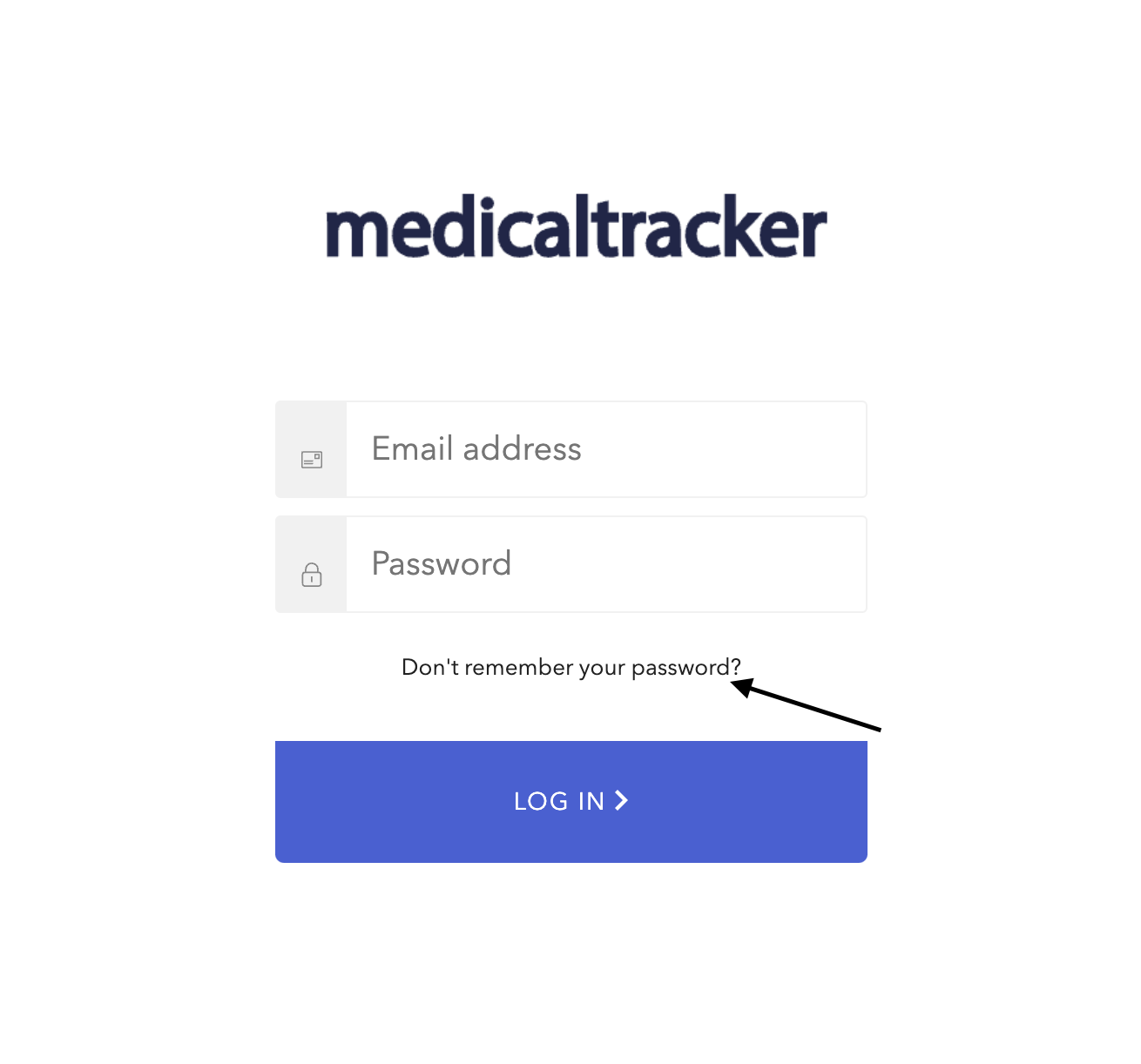
Click Don't remember your password?
-
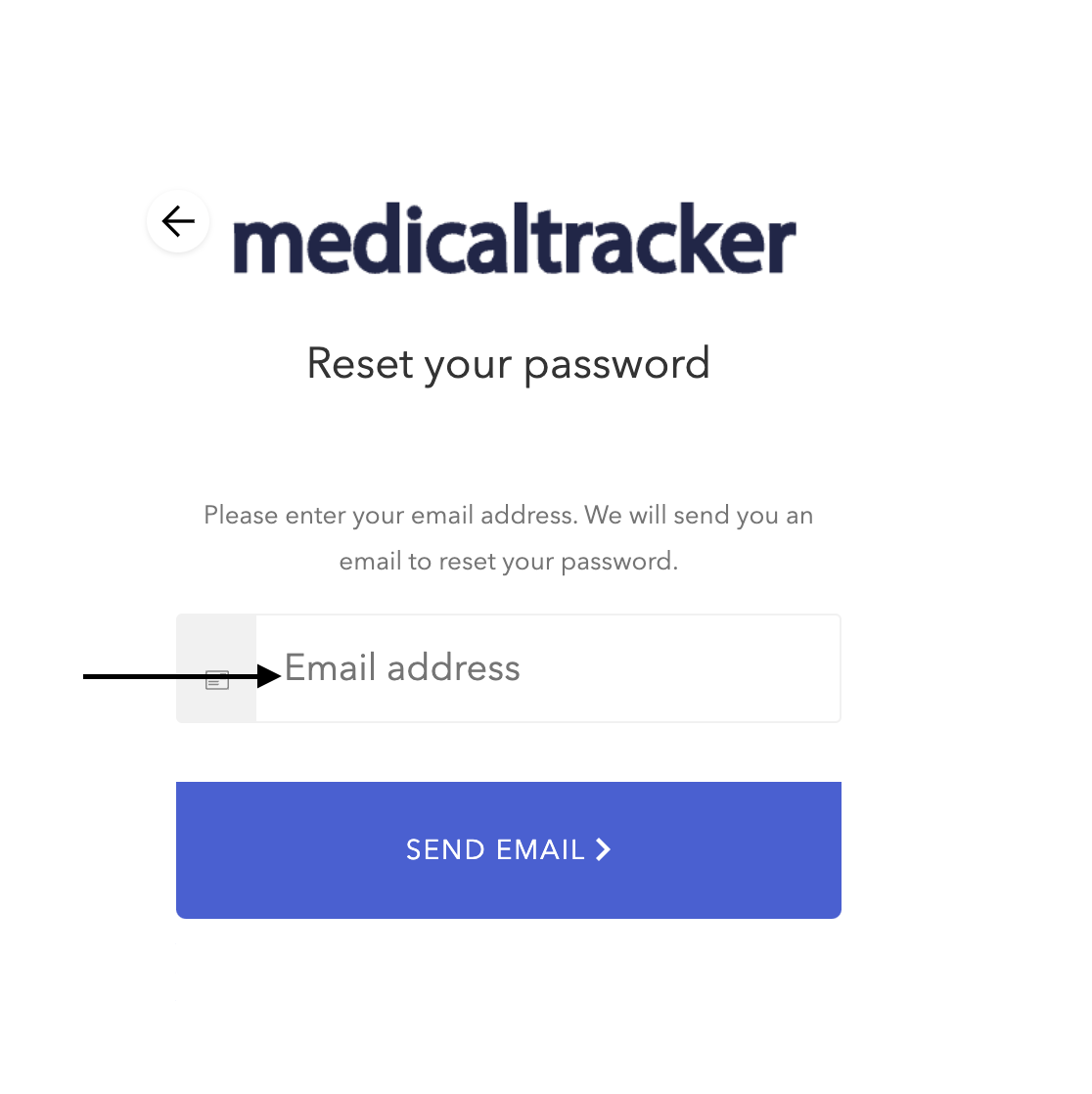
Provide your registered email address.
-
We will send an email to your inbox (please check your Spam folder) - it will come from admin@medicaltracker.co.uk
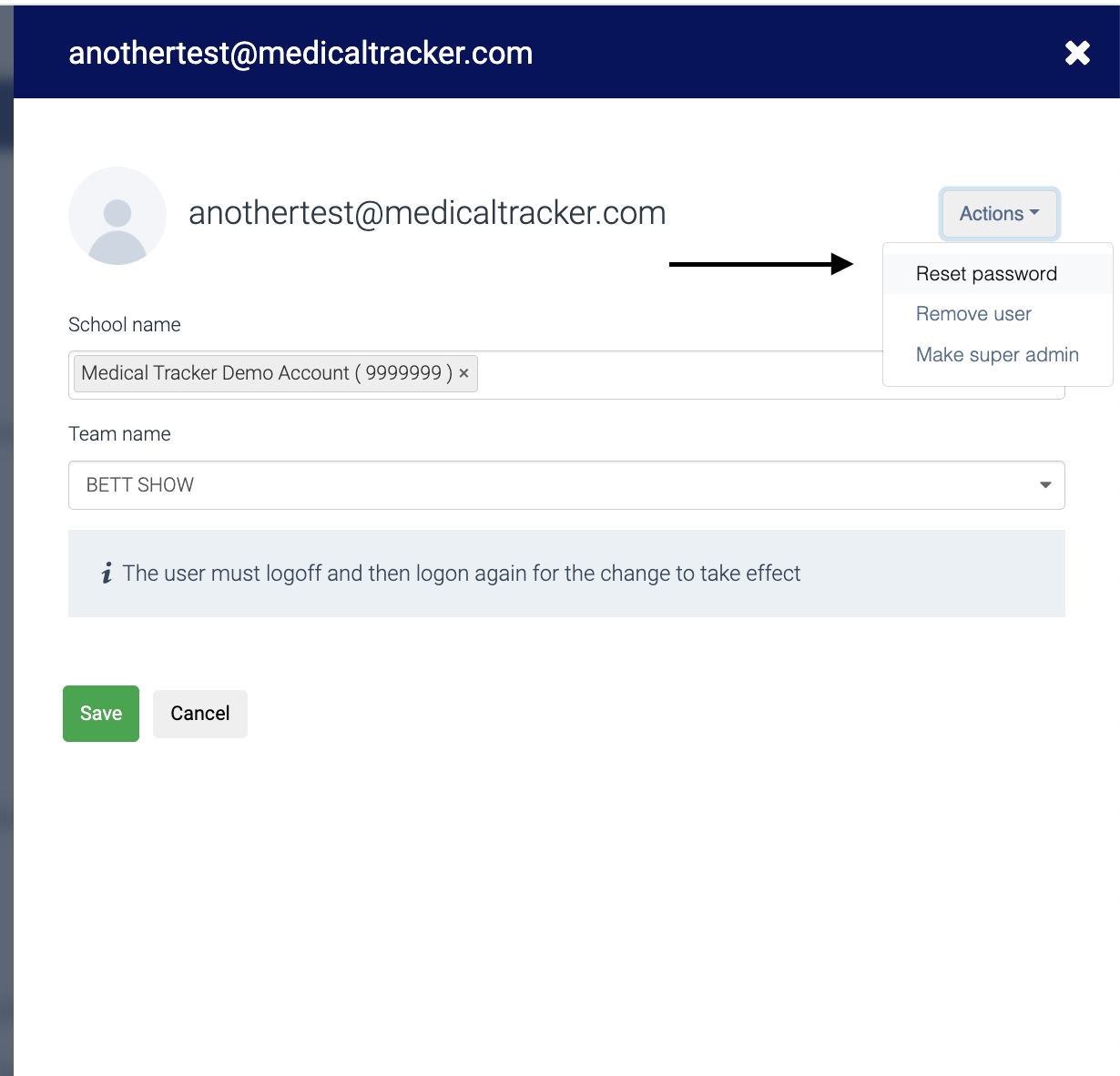
You can reset passwords for other users in the Settings area if you have the appropriate permissions. Go to Settings > Users & Teams then select your email from the user list. 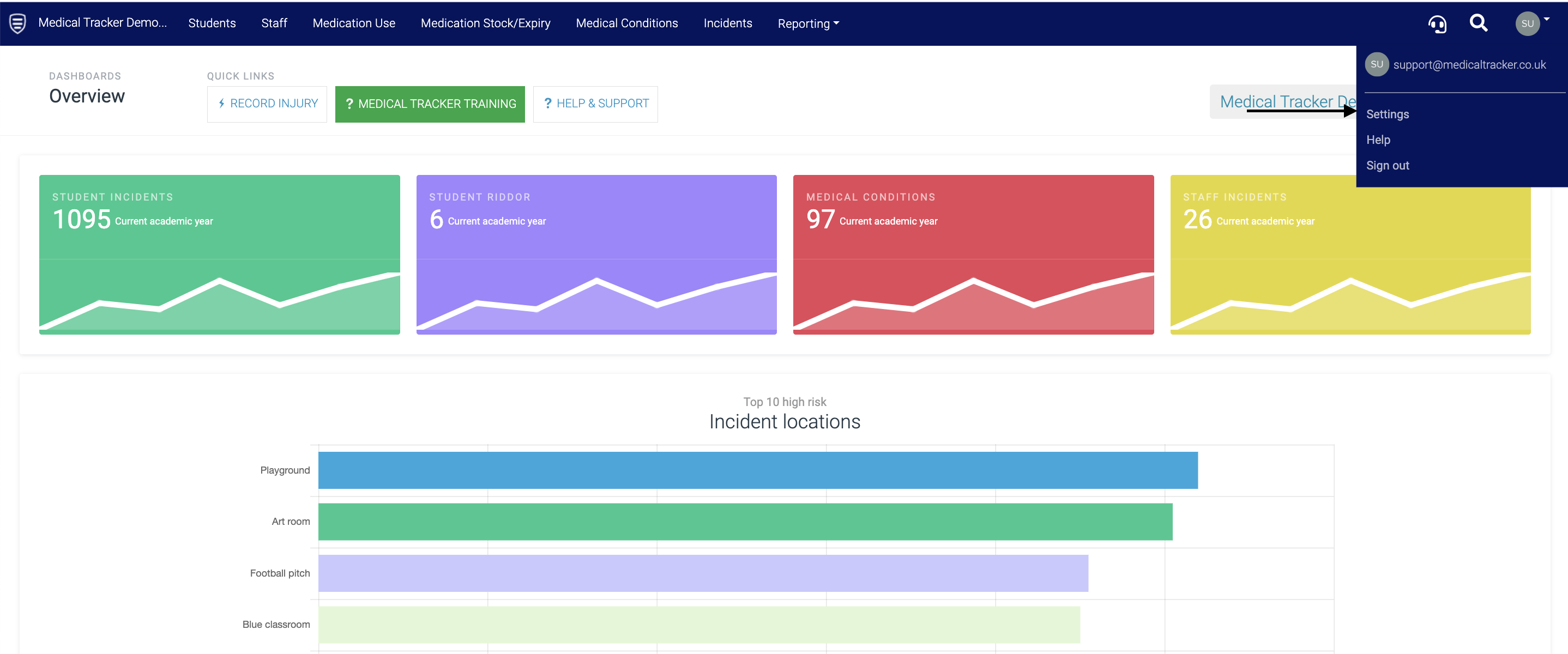
Click on the Actions drop-down menu, and select Reset Password, then Save.