![MT White Logo _ PNG-01.png]](https://help.medicaltracker.co.uk/hs-fs/hubfs/MT%20White%20Logo%20_%20PNG-01.png?height=31&name=MT%20White%20Logo%20_%20PNG-01.png)
Note:
The user will have to logout and back in again for the new permissions to apply
Only super admins have the permission to create or remove super admin permission.
-
Login to your Medical Tracker account
-
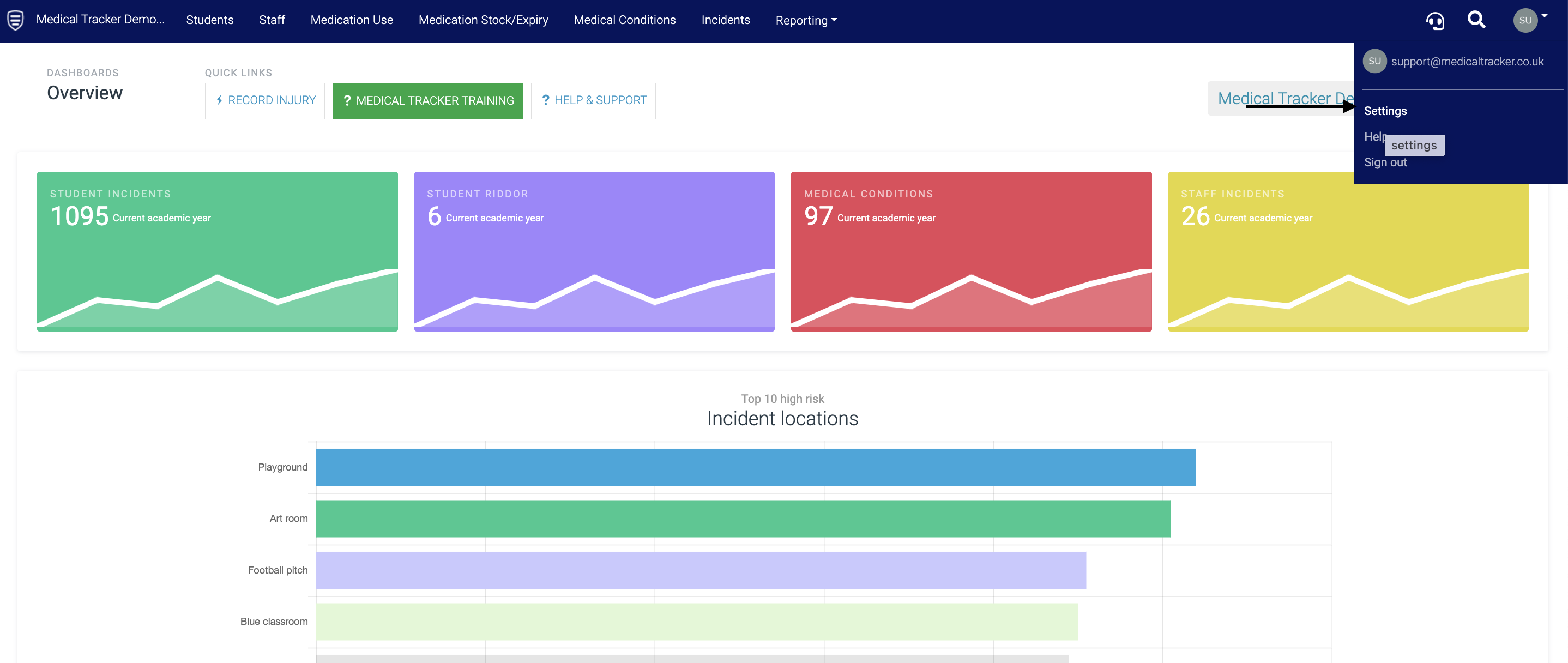
Click on your User menu (top right) and click on Settings
- Click Users & Teams
- Select the user's email address in the list
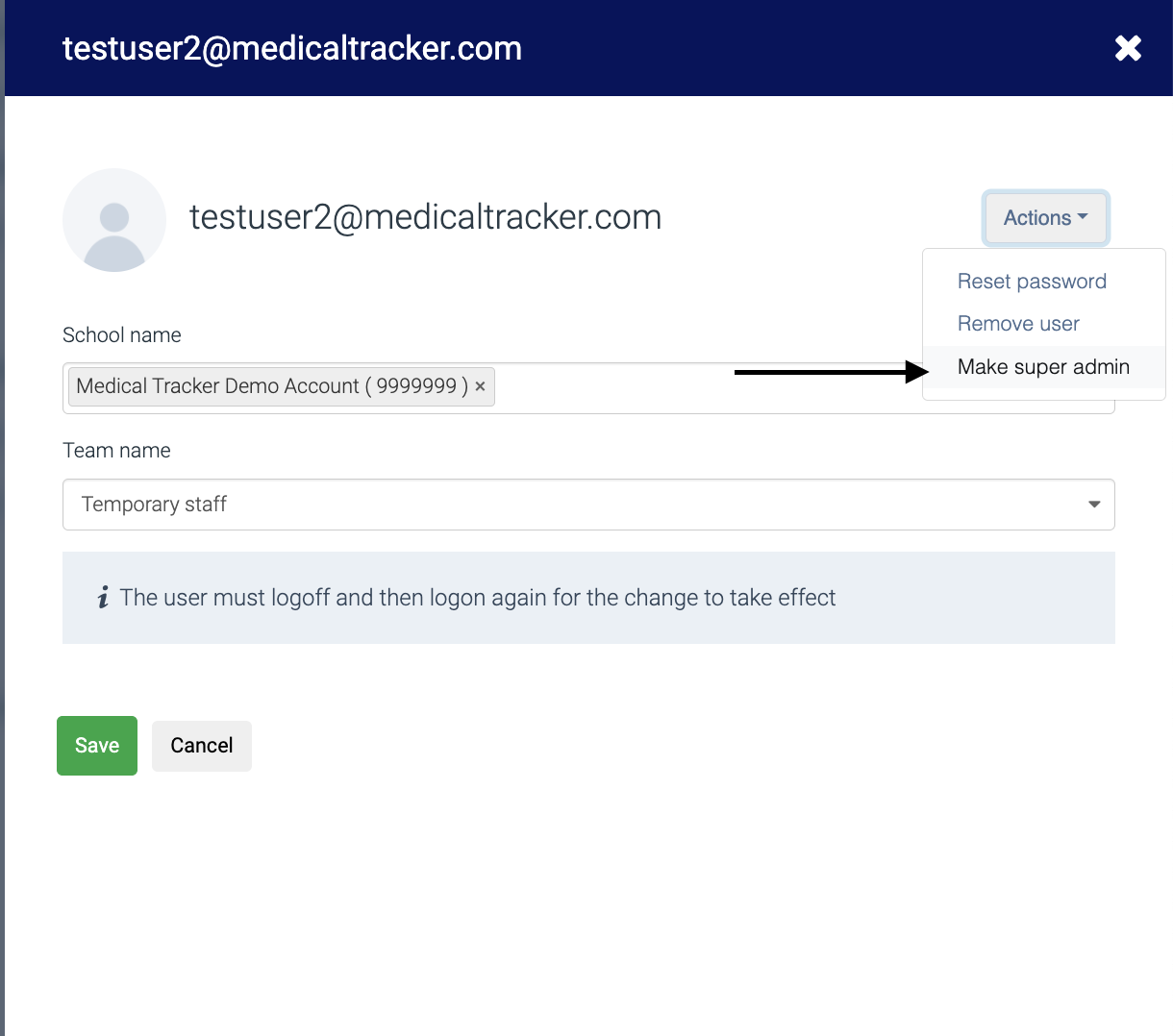
- Click on the Actions drop-down menu and select Make Super Admin
You should now see the super admin label:
