![MT White Logo _ PNG-01.png]](https://help.medicaltracker.co.uk/hs-fs/hubfs/MT%20White%20Logo%20_%20PNG-01.png?height=31&name=MT%20White%20Logo%20_%20PNG-01.png)
How to Add GP contact details
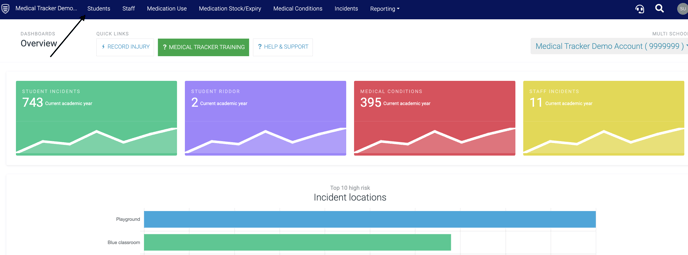
To edit a student go to Medical Tracker > Students
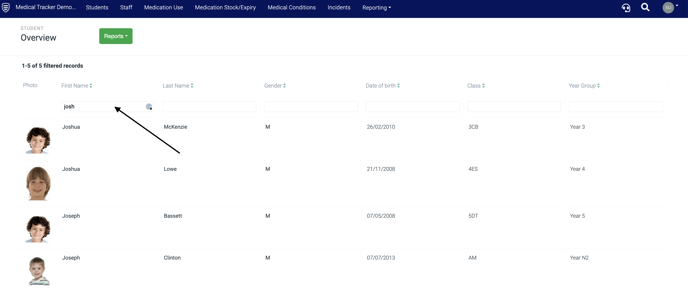
Search and select the student by using the filter search box, then click on the student to open the student overview page.
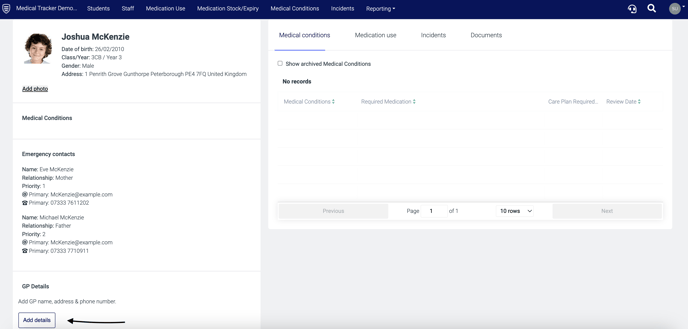
When in the overview, click on student details and add the GP details to the text field and click Save
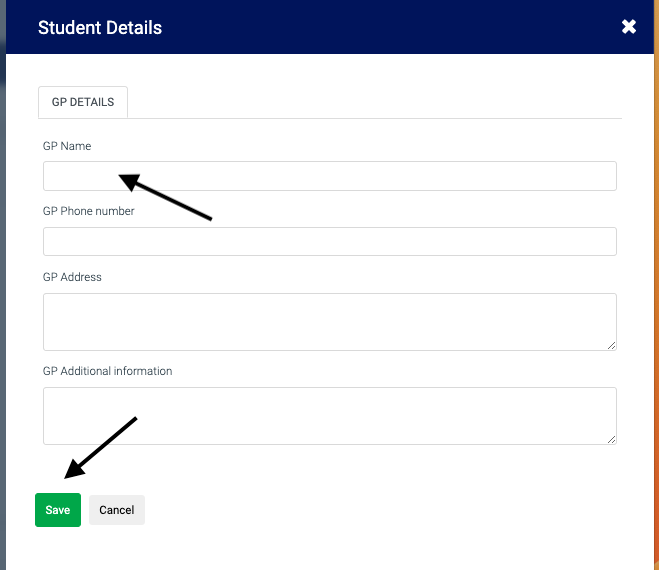
Click Save and all updated GP details will now appear on the student profile page.