![MT White Logo _ PNG-01.png]](https://help.medicaltracker.co.uk/hs-fs/hubfs/MT%20White%20Logo%20_%20PNG-01.png?height=31&name=MT%20White%20Logo%20_%20PNG-01.png)
How do I archive a medical condition?
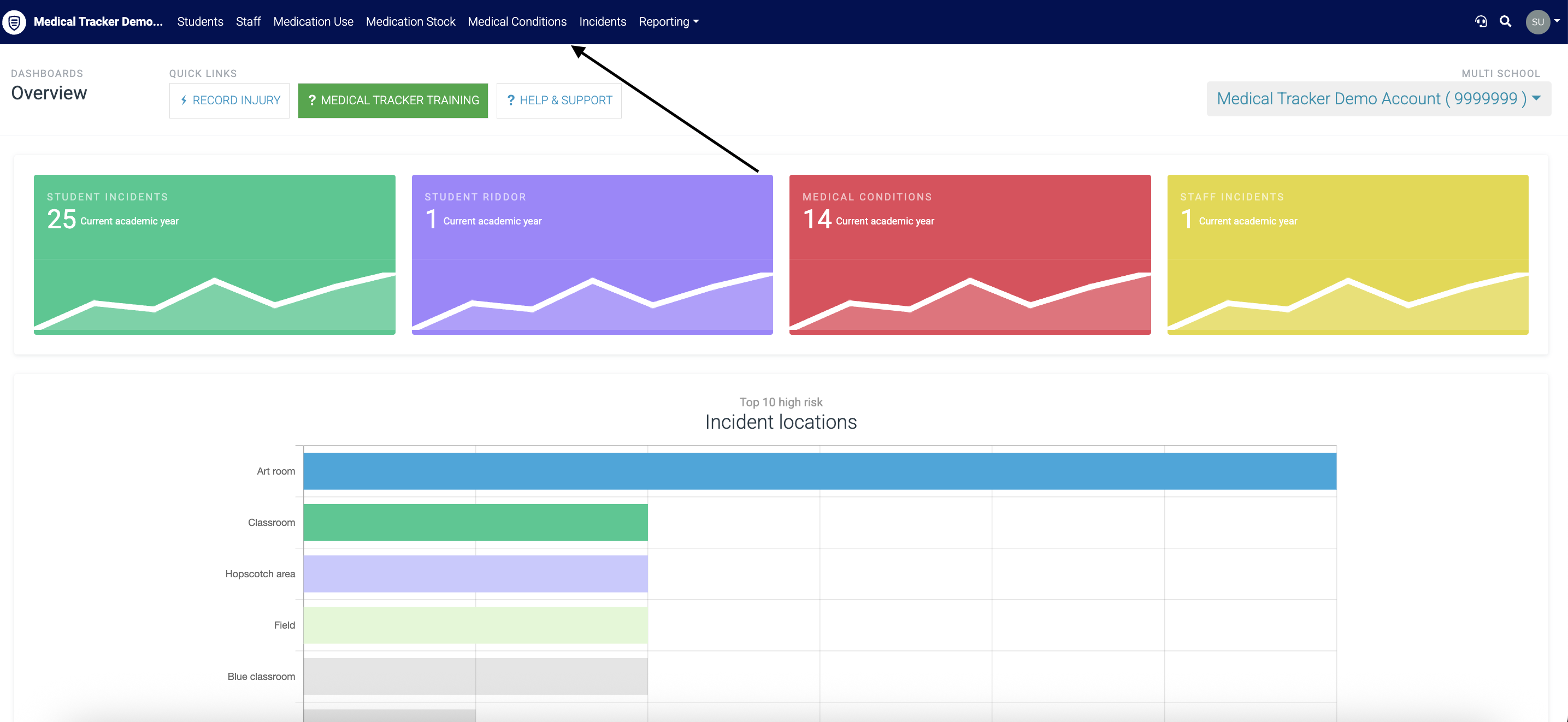
- Go to the Medical Conditions module
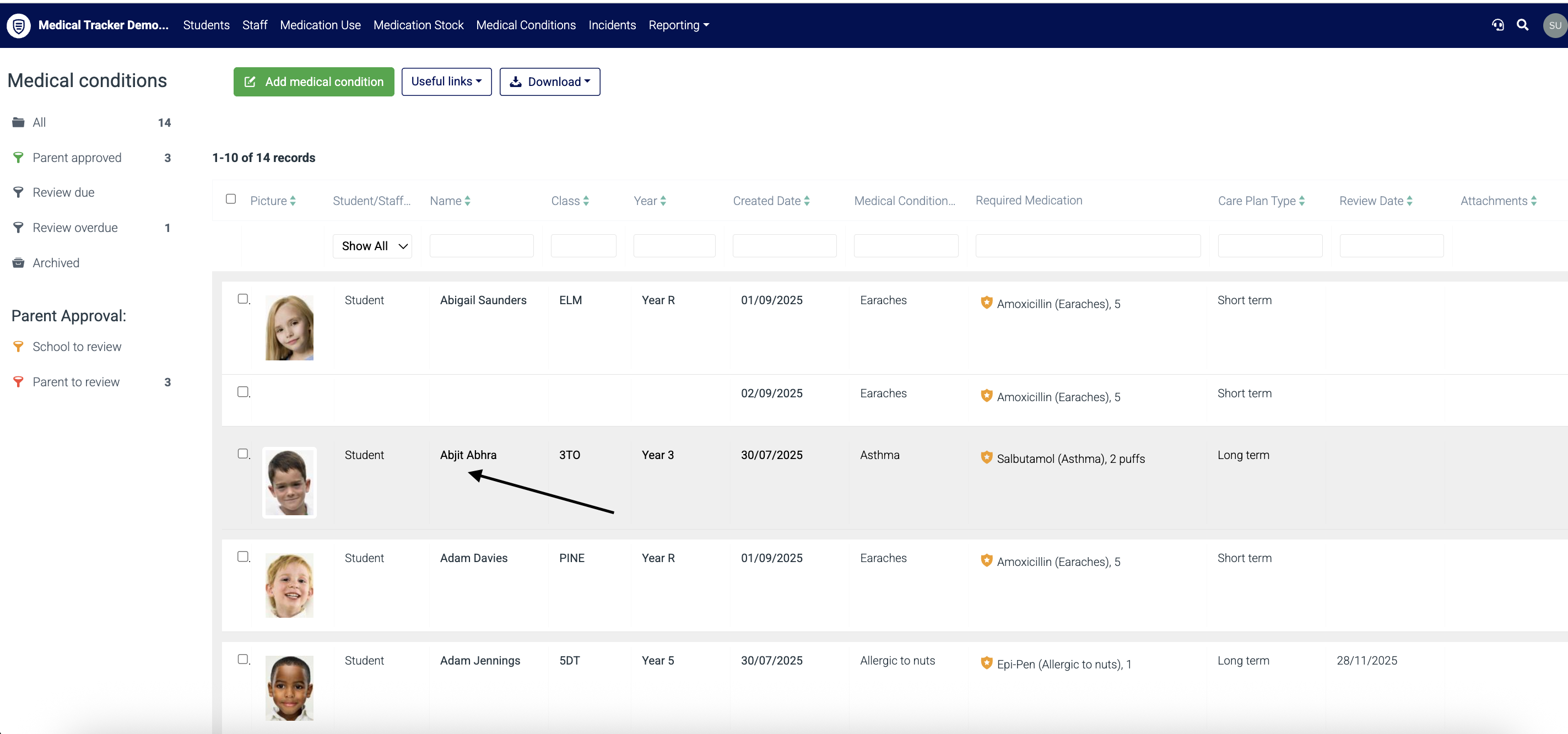
- Click on the student and medical condition you want to archive
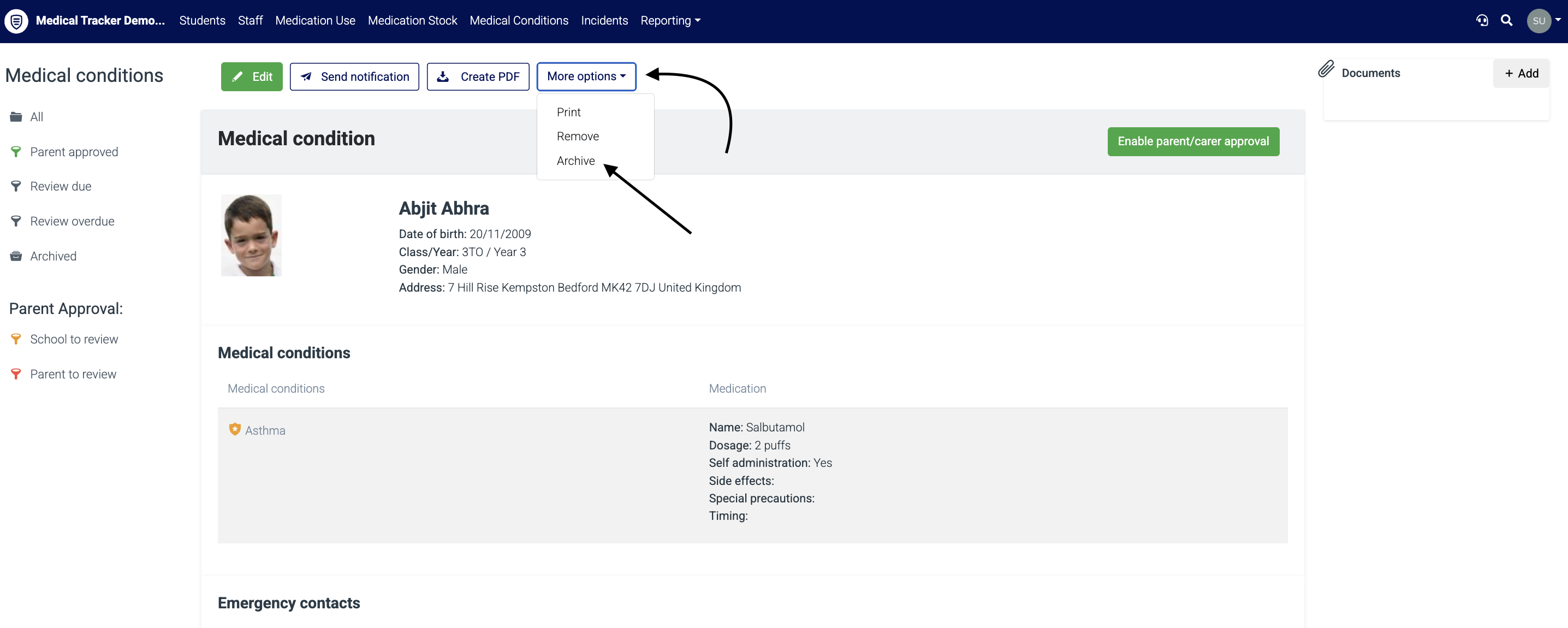
Step 3. Click on the 'More options' button and select 'Archive' from the drop-down. This will archive this record.
How do I restore a medical condition?
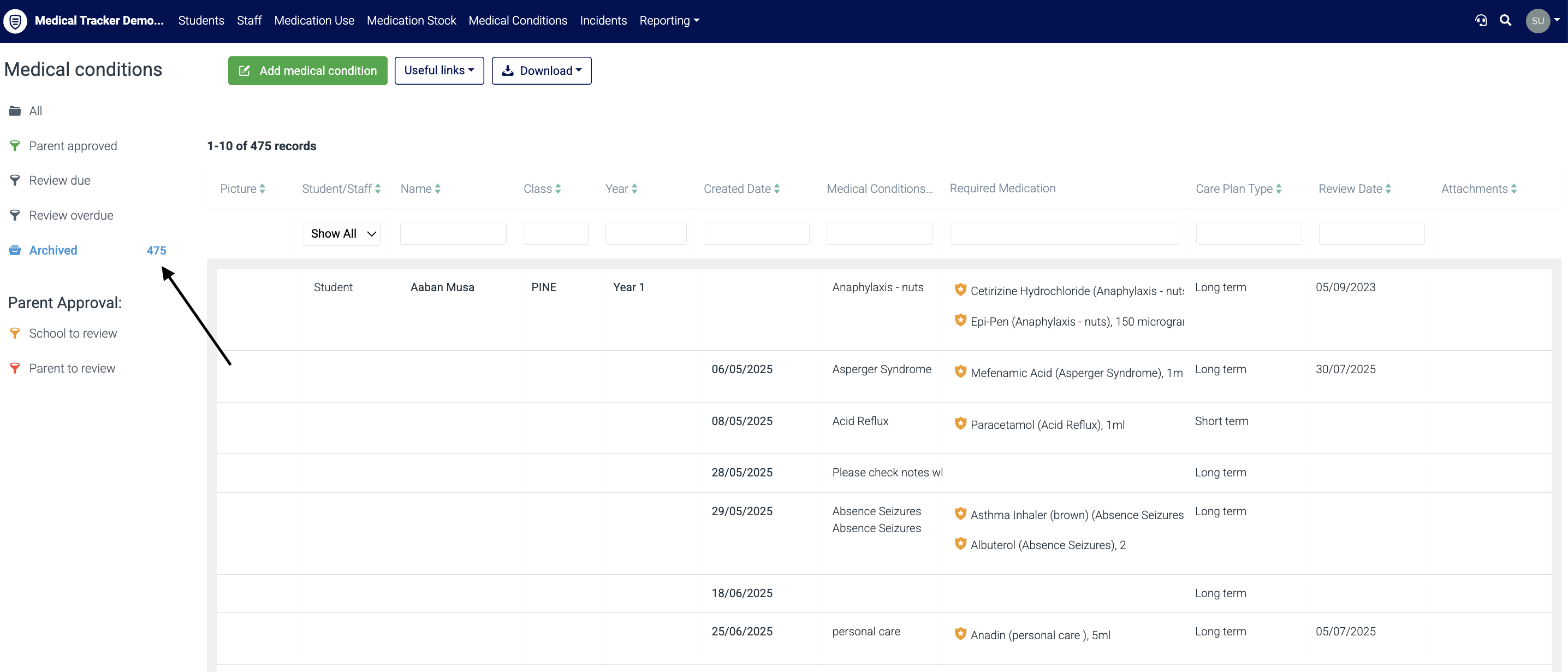
- Once in the medical conditions, click Archived to display all archived conditions.
Top tip: You can refine your search further using the filters circled below, making it easier to find the exact condition you are looking to restore.
Step 2. Click on the student and condition you wish to restore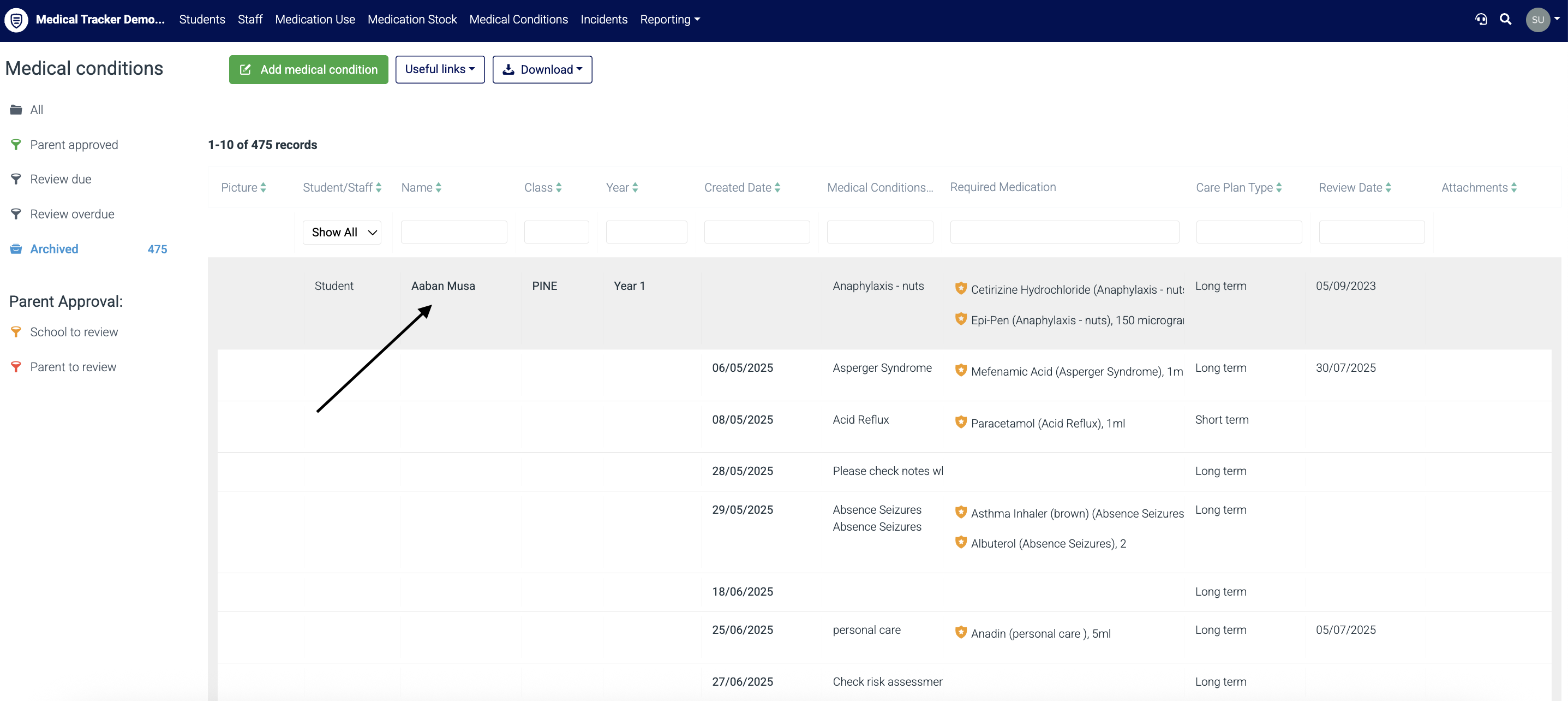
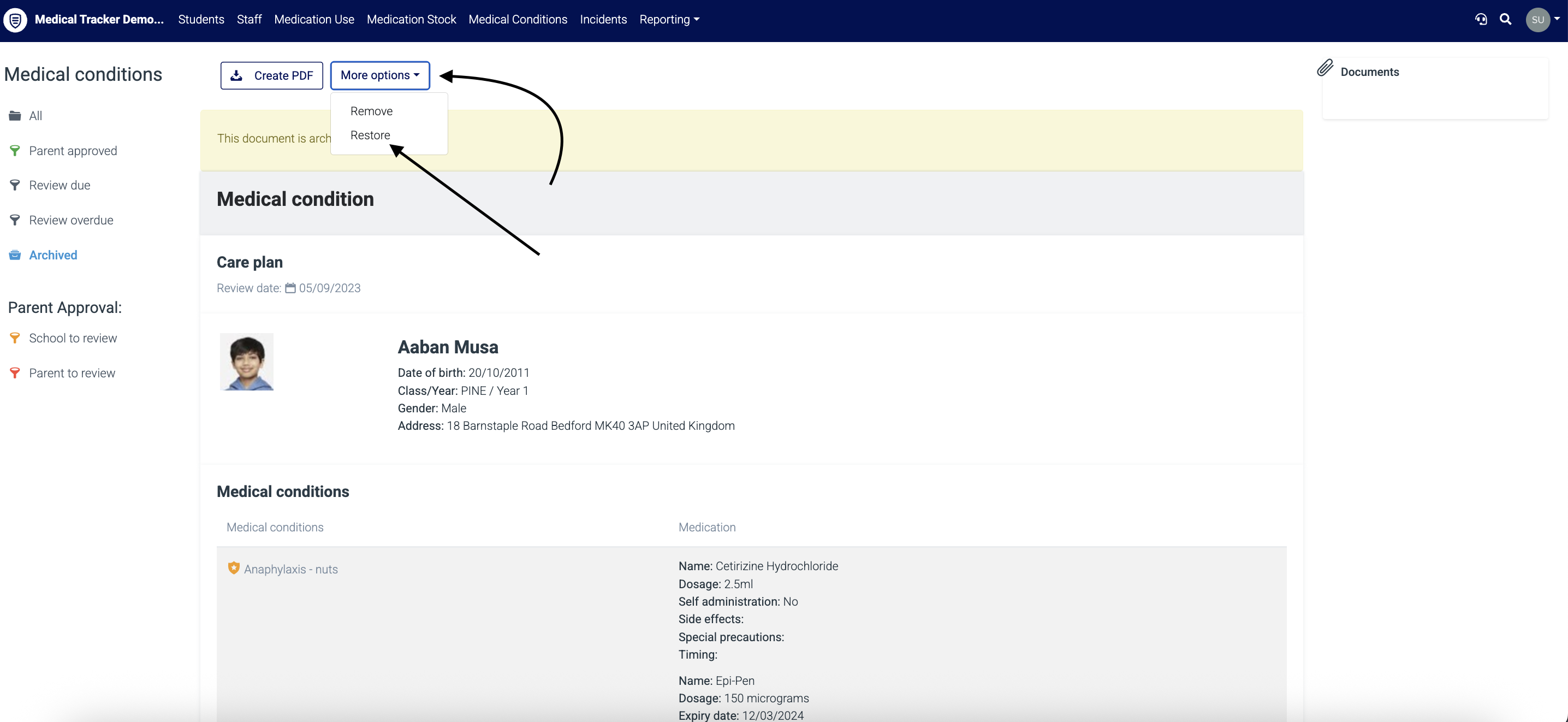
Step 3. Click on the 'More options' button and select 'Restore' from the drop-down. The medical condition is now active.