![MT White Logo _ PNG-01.png]](https://help.medicaltracker.co.uk/hs-fs/hubfs/MT%20White%20Logo%20_%20PNG-01.png?height=31&name=MT%20White%20Logo%20_%20PNG-01.png)
To edit a medical condition, go to Medical Tracker > Medical Conditions
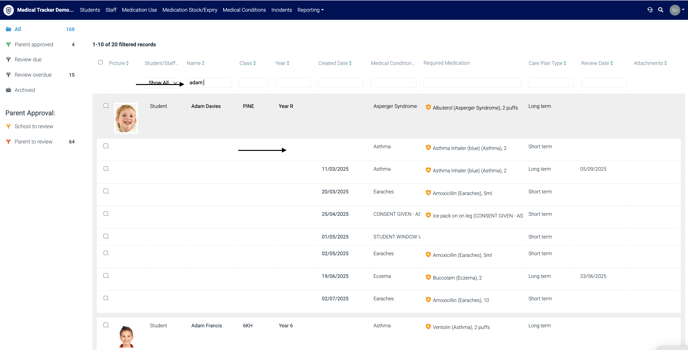
- Search and select the student or staff member, clicking on the record to open the medical condition profile.
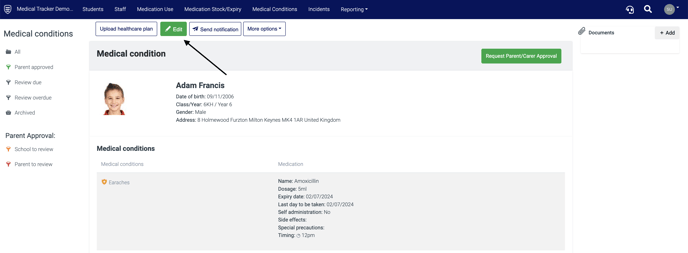
- In the medical conditions profile, click Edit.
- Update the medical condition, adding any care plans, medications, timings and emergency procedures.
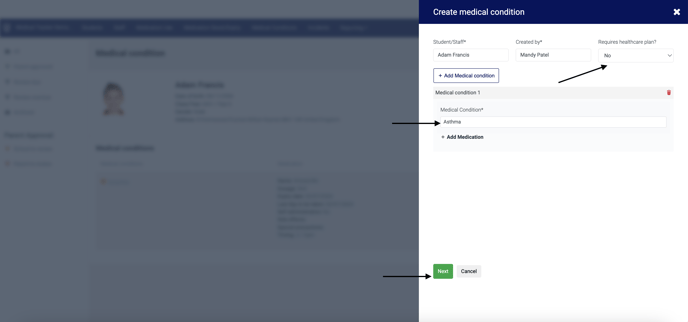
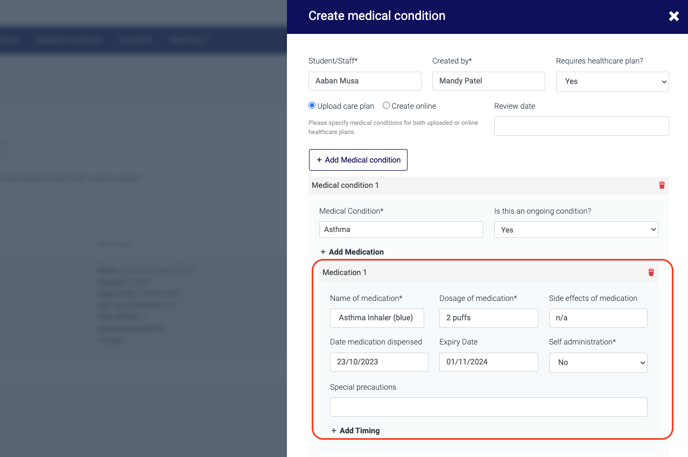
- Click 'Next' once all information has been updated.
Tip: For more complex conditions, we recommend uploading healthcare plans. This means that any images etc. associated with the plan will be visible on the profile.
- Enter information into Procedures to take in an emergency and any notes, if required.
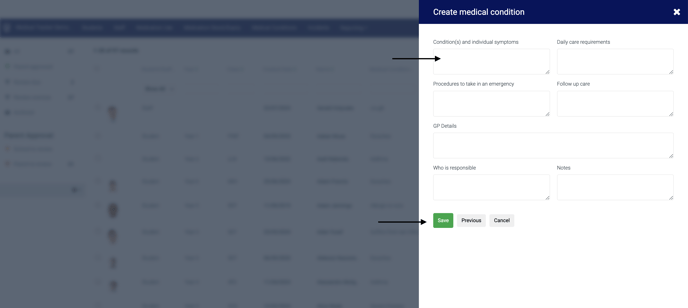
- Click the Save button.