![MT White Logo _ PNG-01.png]](https://help.medicaltracker.co.uk/hs-fs/hubfs/MT%20White%20Logo%20_%20PNG-01.png?height=31&name=MT%20White%20Logo%20_%20PNG-01.png)
How do I export information about when medication is due to expire?
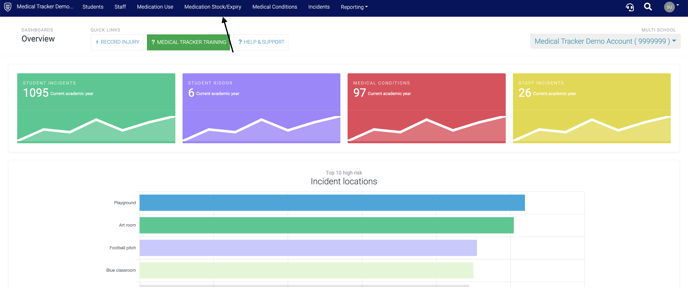
Step 1. Click on the 'Medication /Stock Expiry' tab.
Step 2. Filter the information you want to be included in the export.
Note: You can filter most by of the columns e.g. name, class, medication. You can also filter by how many weeks are remaining until the medication expires. 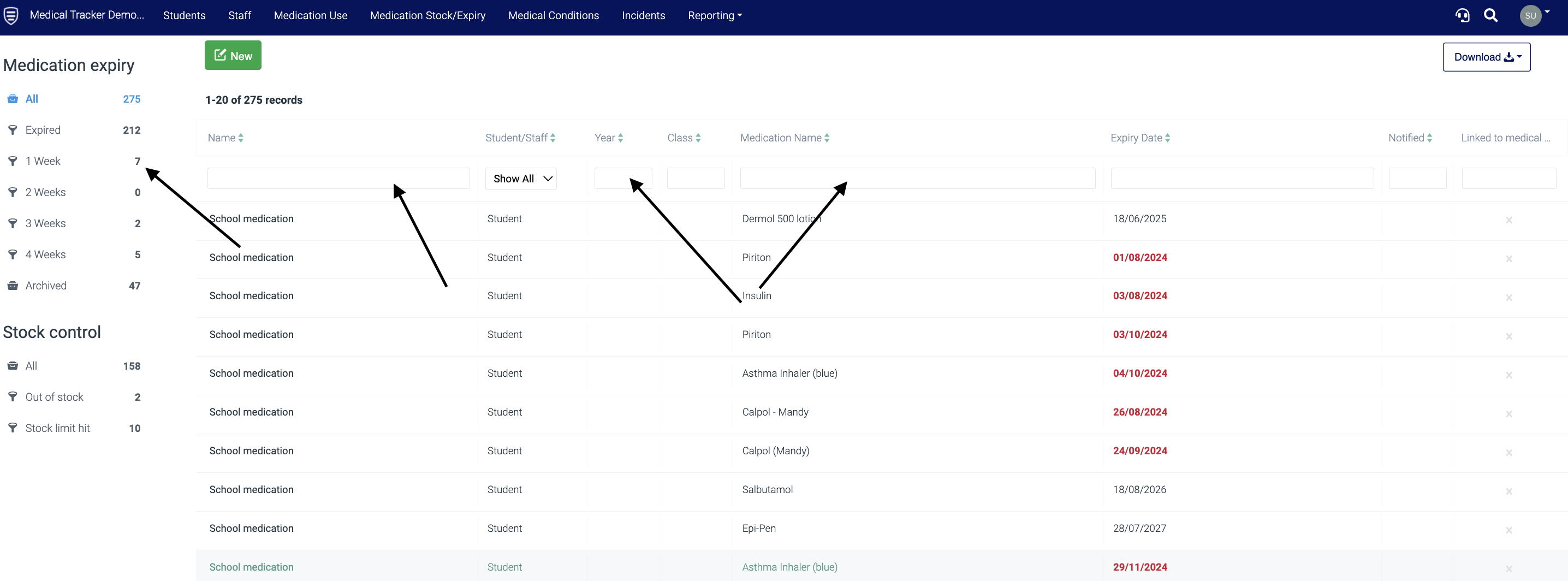
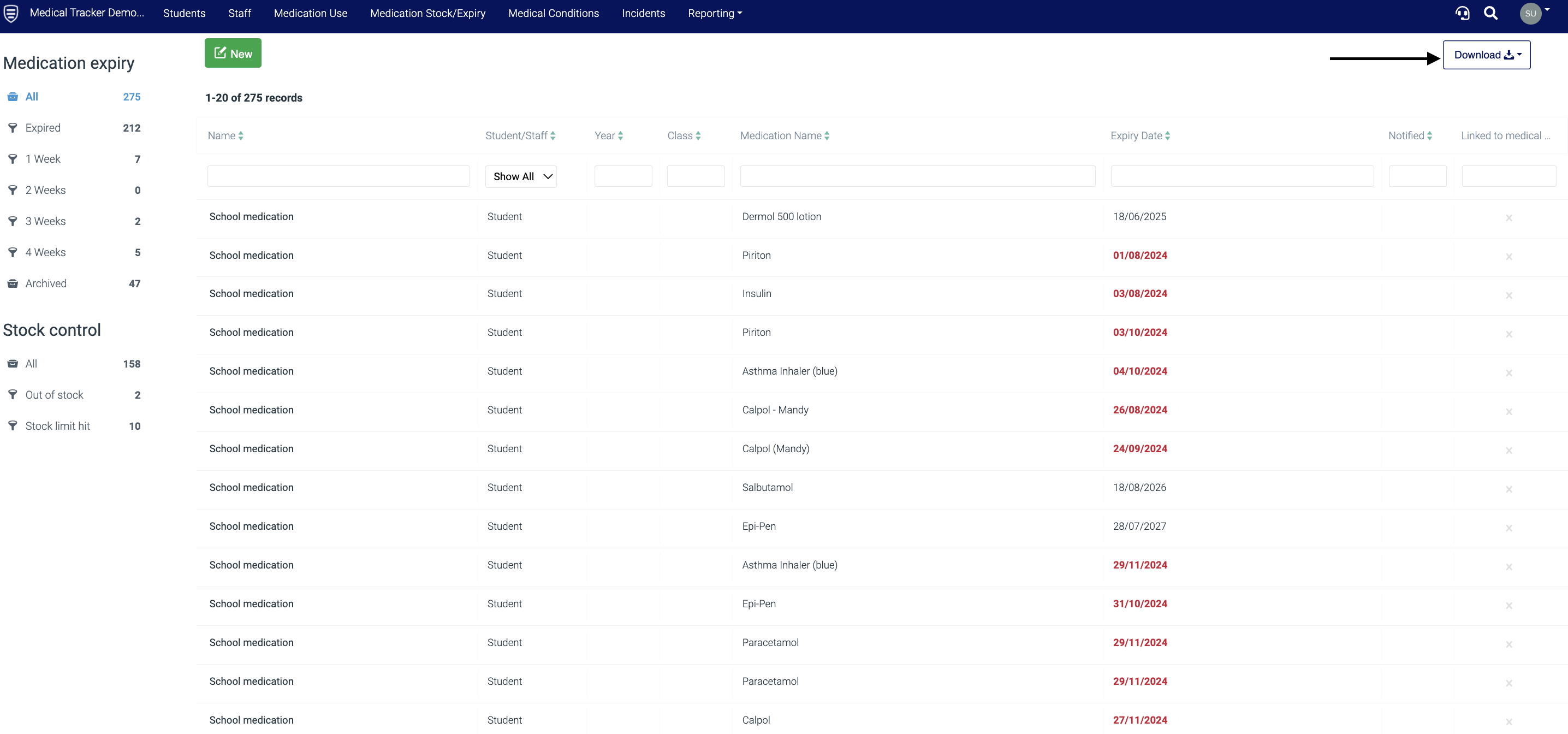
Step 3. Once you have filtered the required information, click on the grey box with the cog icon, and select 'Export to CSV' from the drop-down. The CSV will now be downloaded and ready for use.