![MT White Logo _ PNG-01.png]](https://help.medicaltracker.co.uk/hs-fs/hubfs/MT%20White%20Logo%20_%20PNG-01.png?height=31&name=MT%20White%20Logo%20_%20PNG-01.png)
In this guide we will show you how to remove a student from your Medical Tracker account.
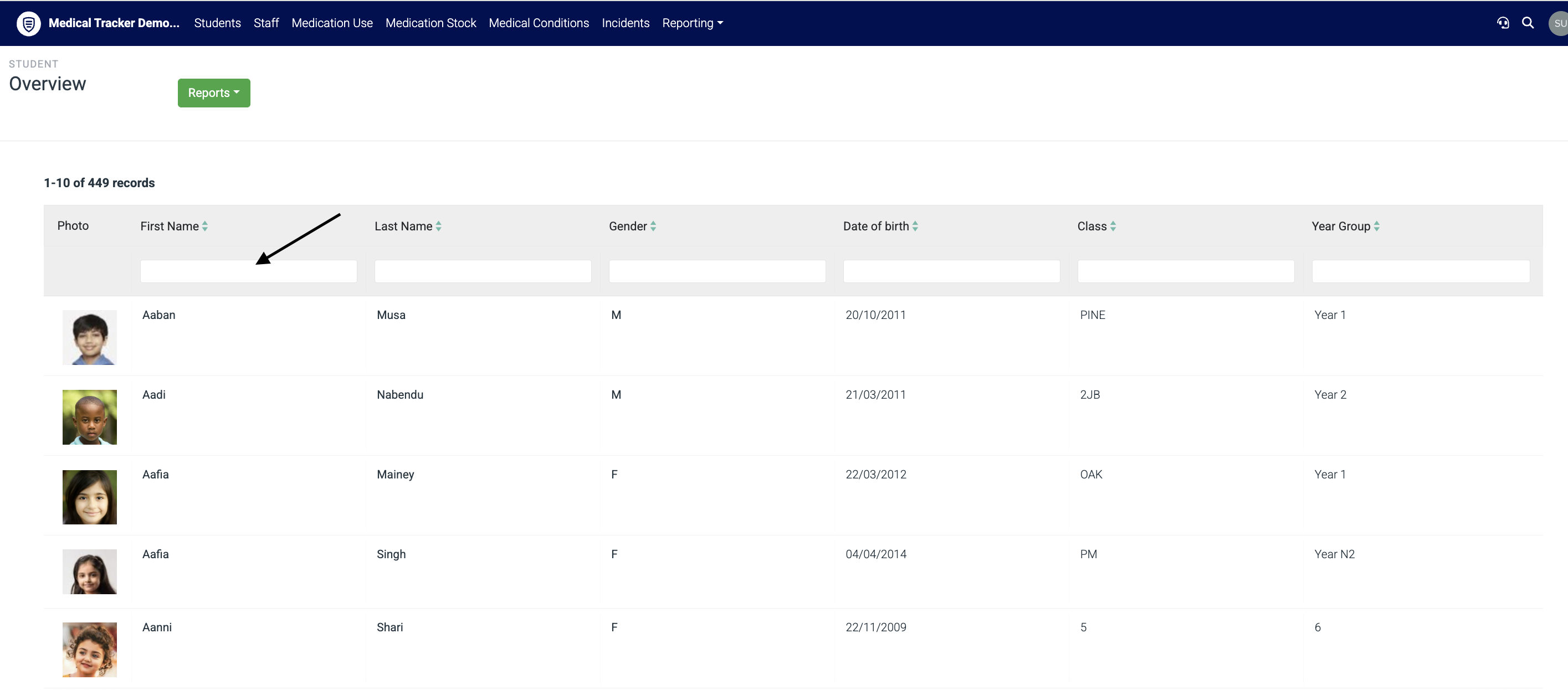
To find the student, head to Students in the deep blue bar at the top > Search for the student name in the name column
Click into the student profile > then select More Options > Remove. 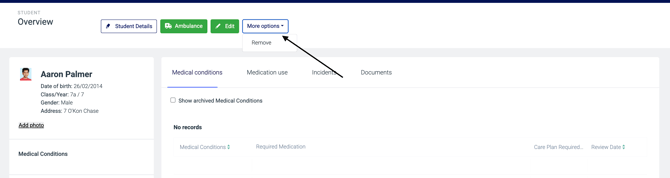
(∫Please note - if you do not have the function for this, this will be due to the active connection you have with your school MIS through either Wonde or Groupcall. Please make the changes in your school MIS to off-roll this student. Student records will be removed from Medical Tracker 7 days after they have been removed from the School MIS)