![MT White Logo _ PNG-01.png]](https://help.medicaltracker.co.uk/hs-fs/hubfs/MT%20White%20Logo%20_%20PNG-01.png?height=31&name=MT%20White%20Logo%20_%20PNG-01.png)
How do I record a follow-up or note against an incident?
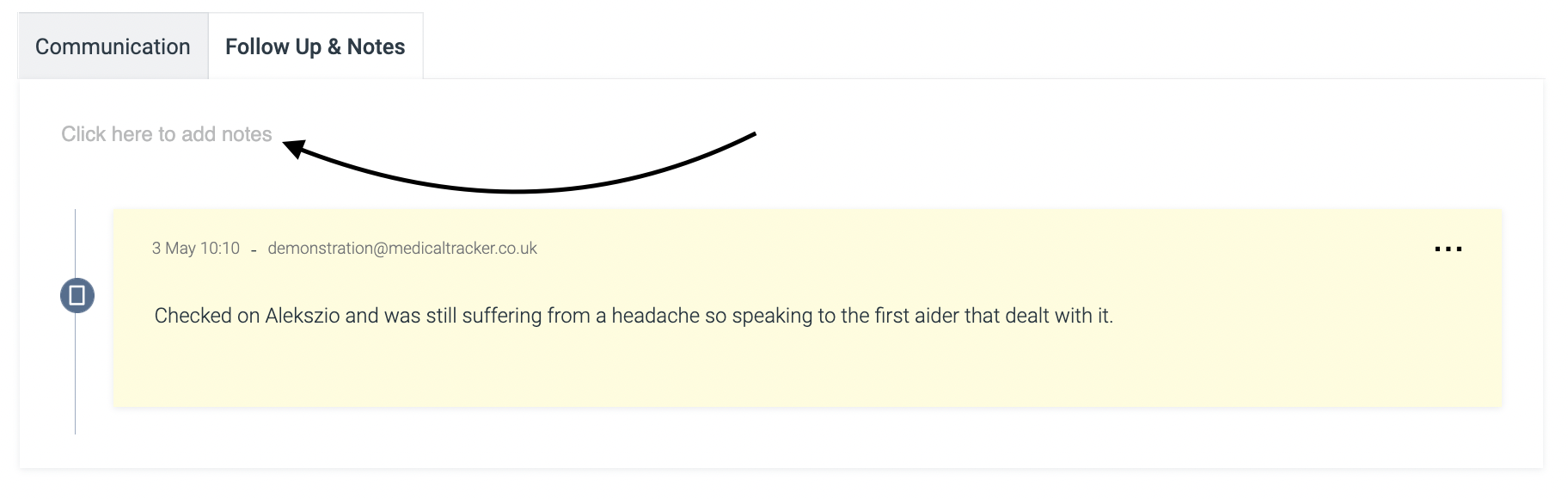
You can then add additional follow-up information and notes:
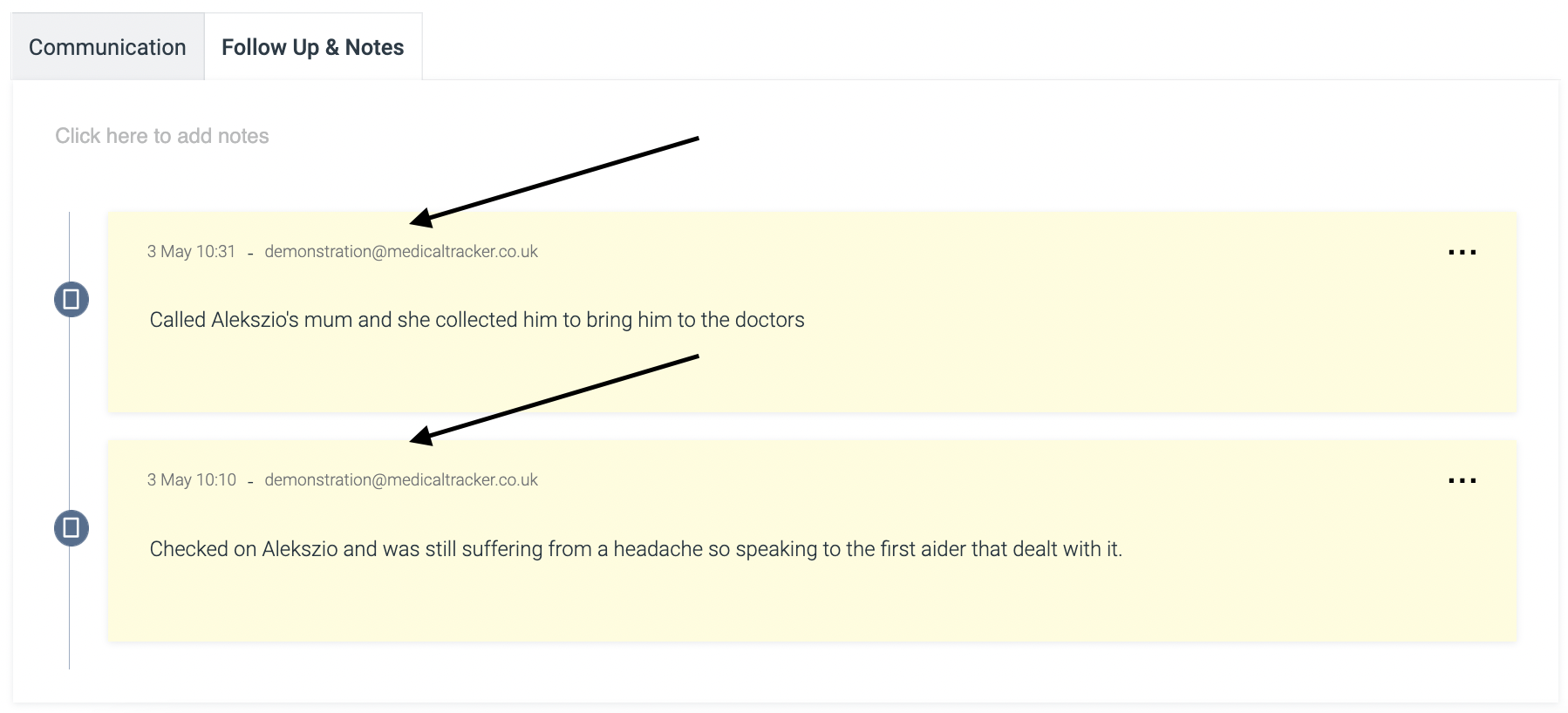
The system will track the follow-up and notes in chronological order:
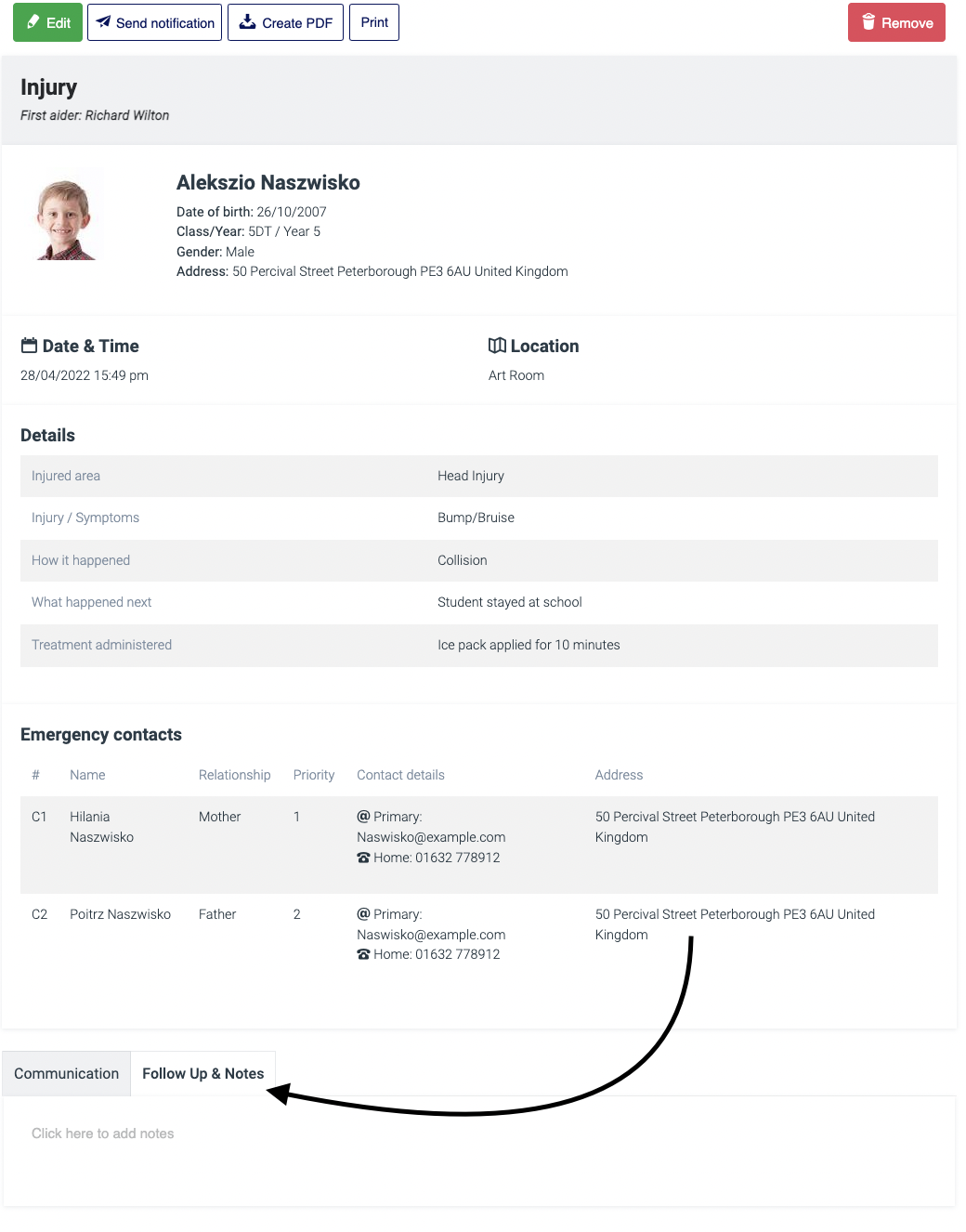
Navigate to the Incidents module, search and click on the incident to which you need to add notes.
Go to the existing record and select 'Follow Up & Notes':
You can then add additional follow-up information and notes:
The system will track the follow-up and notes in chronological order:
If you have any feedback or questions, please reach out to our team by using our contact form.