![MT White Logo _ PNG-01.png]](https://help.medicaltracker.co.uk/hs-fs/hubfs/MT%20White%20Logo%20_%20PNG-01.png?height=31&name=MT%20White%20Logo%20_%20PNG-01.png)
- Head to https://school.medicaltracker.co.uk
- Click your preferred provider at the bottom of the page. We currently support single sign on with Google and Microsoft identities.
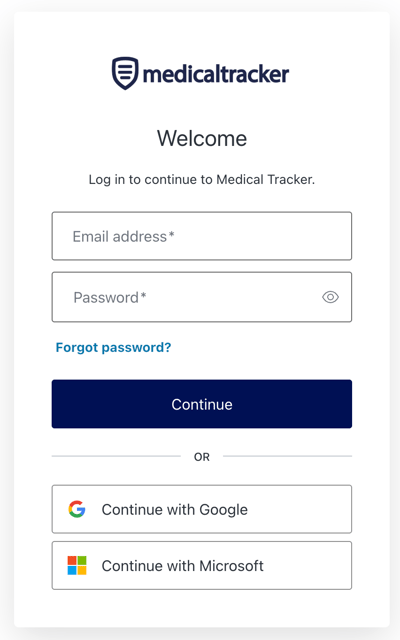
- Follow the instructions on the screen to verify your identity with Google or Windows, as appropriate.
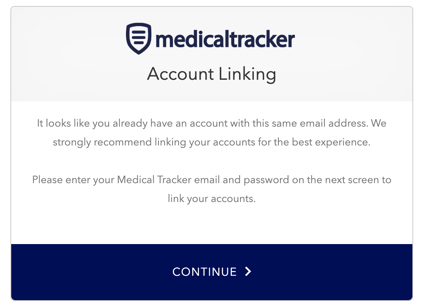
- If you currently use an email and password to log in to Medical Tracker, you'll be prompted to link your accounts. Click Continue.
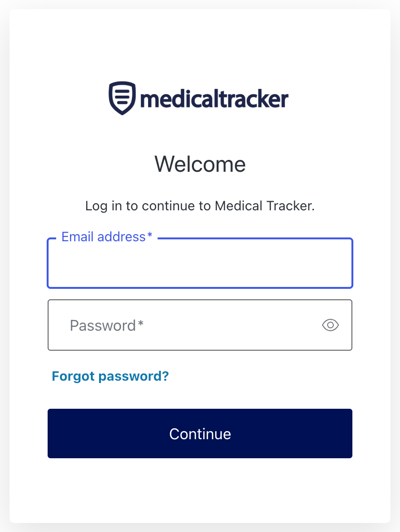
- Enter the email and password you usually use to log in to the app on the next screen. You can use the Forgot password? link on the login screen to reset your password if you have forgotten it.
- That's it! Once you've linked your accounts, you'll be able to log in with either your single sign on identity or your email and password. Both will be valid, and will get you into the app.