![MT White Logo _ PNG-01.png]](https://help.medicaltracker.co.uk/hs-fs/hubfs/MT%20White%20Logo%20_%20PNG-01.png?height=31&name=MT%20White%20Logo%20_%20PNG-01.png)
Navigate to the top right of your Medical Tracker account and click on the down arrow by your avatar and select Settings. 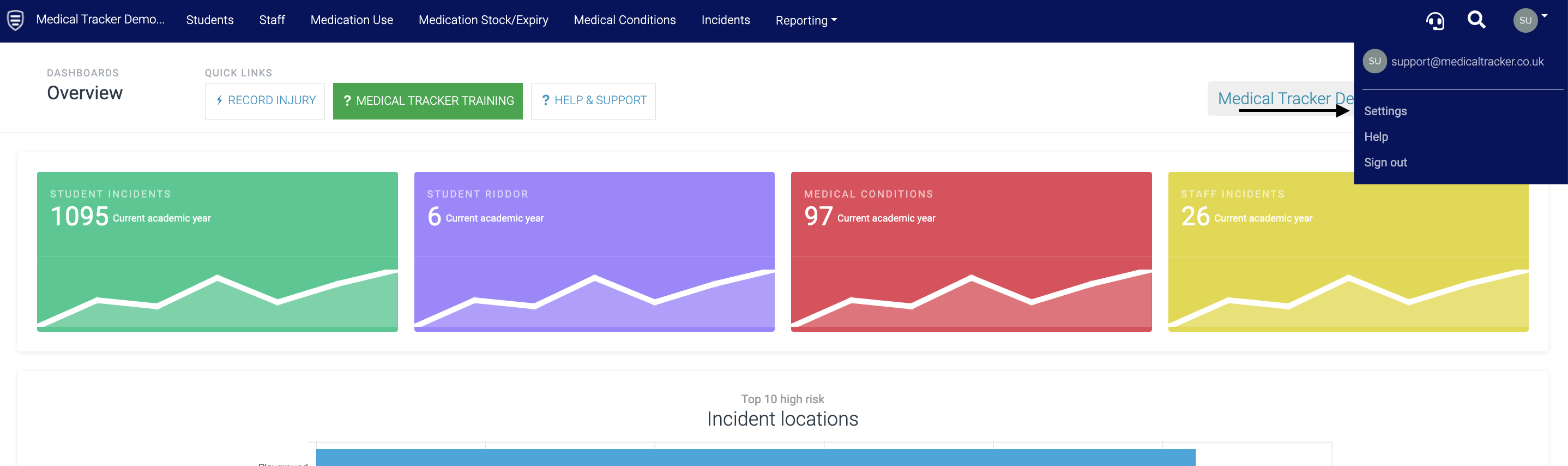
In this section, we have the following account settings; click the links below to view the guides for each:
Below are the System Configuration options:
|
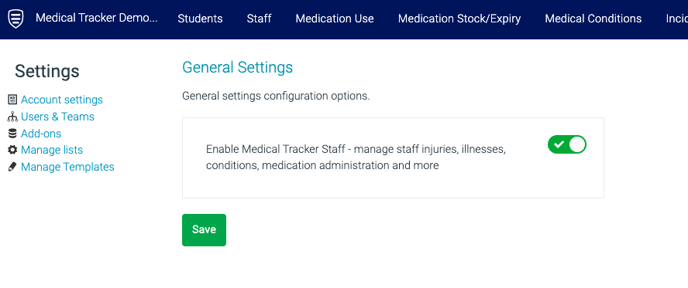
General Click Configure, and you can choose to turn on the option to enable managing staff incidents, staff medical conditions and staff medicine usage. |
 |
|
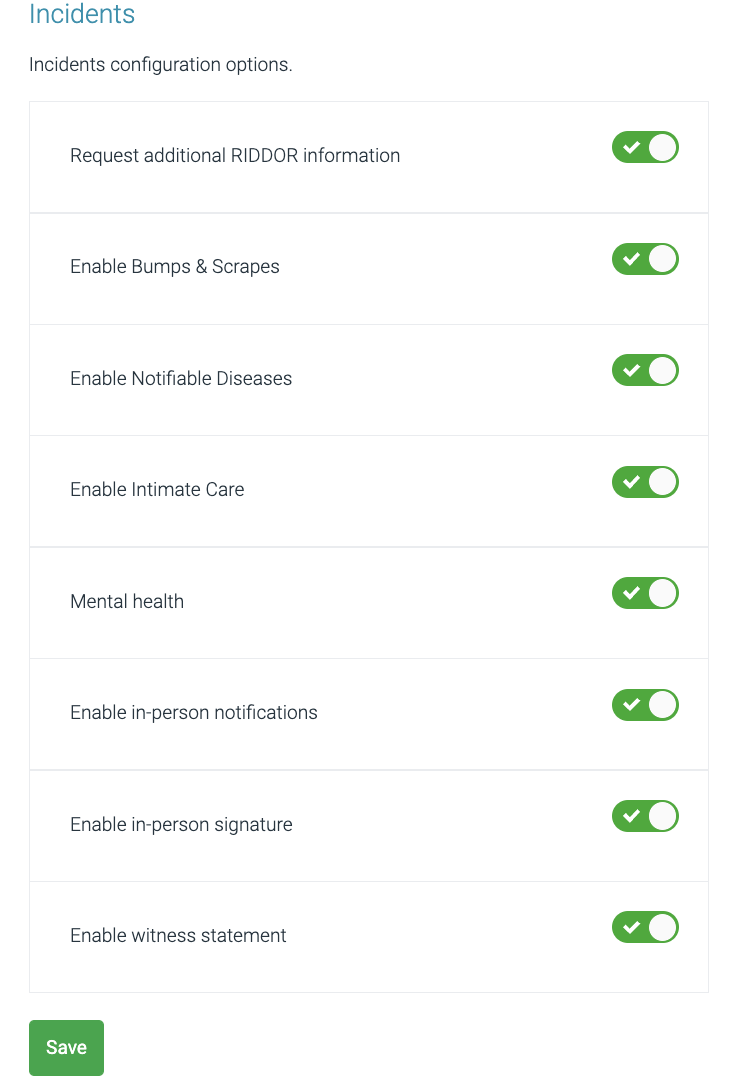
Incidents Here we have the customisation options for the Incidents module - select the relevant options and press the Save button. |
 |
|
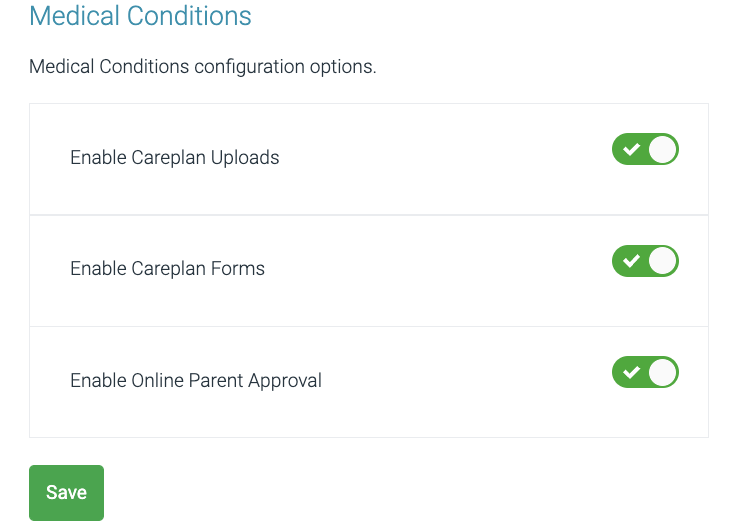
Medical Conditions These are medical condition configuration options - select the relevant options and press the Save button. |
 |