![MT White Logo _ PNG-01.png]](https://help.medicaltracker.co.uk/hs-fs/hubfs/MT%20White%20Logo%20_%20PNG-01.png?height=31&name=MT%20White%20Logo%20_%20PNG-01.png)
To set a First Aider, go to Medical Tracker > Staff
- Find the staff member
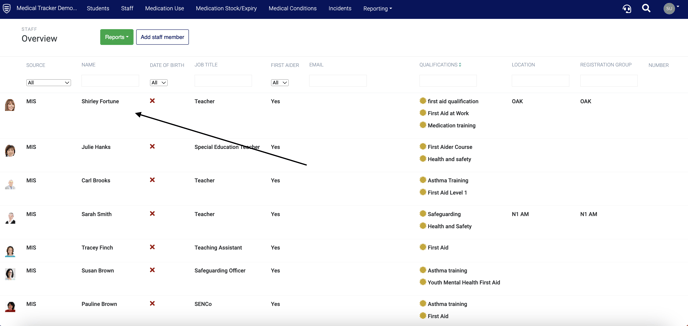
- Click on the staff member to open the staff member's profile
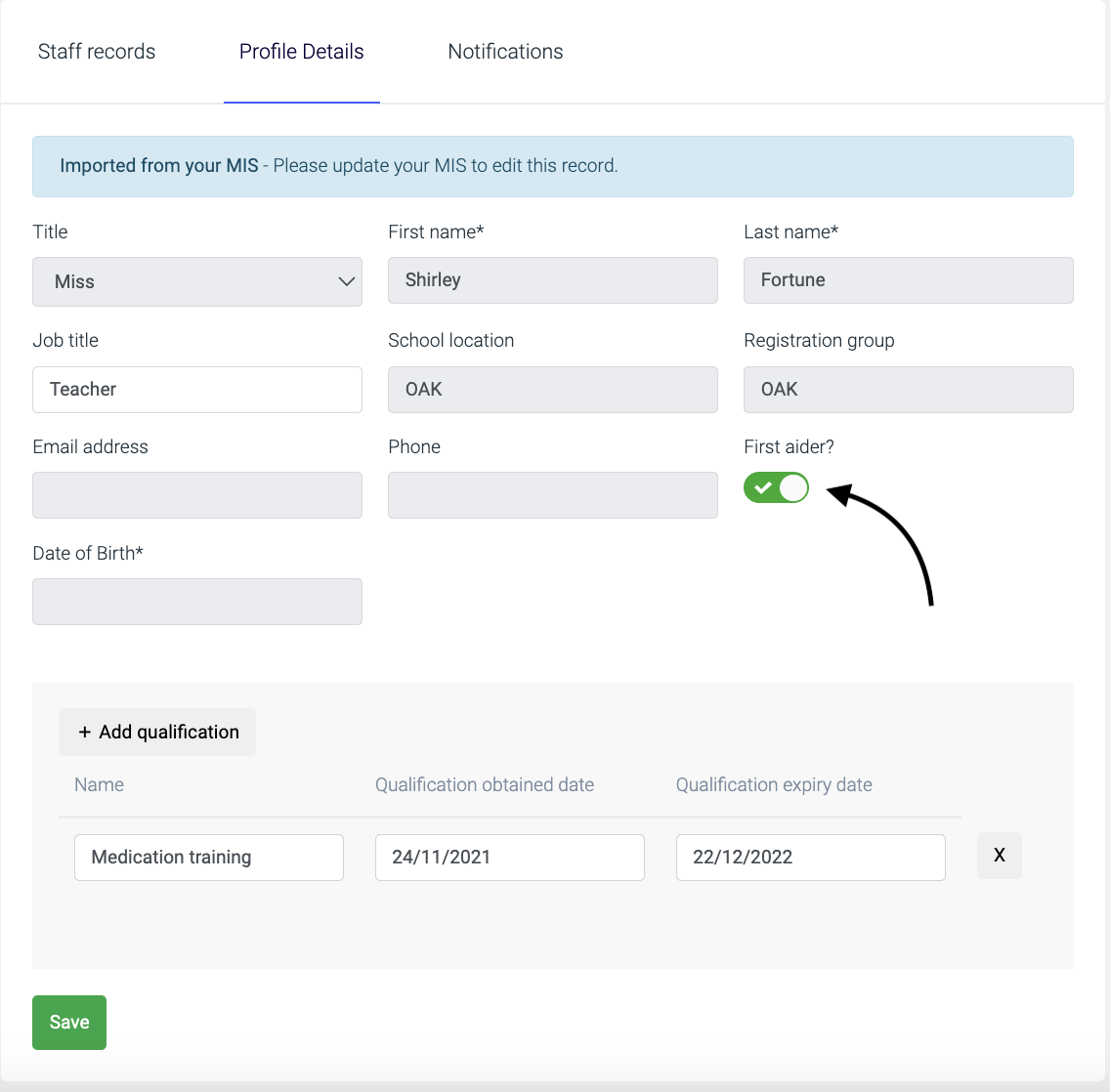
- Click the Profile Details tab
- Click the First aider slide button (green with a tick is on)
- Press the Save button
You can also add qualifications to a staff member's profile - click here to view the guide.
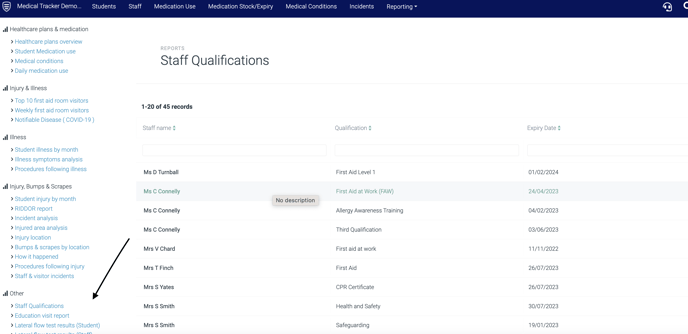
Once you've added the first aider tag to staff members, you can view a list of first aiders in Reports - see the 'Staff Qualifications' report under Other: