![MT White Logo _ PNG-01.png]](https://help.medicaltracker.co.uk/hs-fs/hubfs/MT%20White%20Logo%20_%20PNG-01.png?height=31&name=MT%20White%20Logo%20_%20PNG-01.png)
Email is a great way of notifying parents of injuries, illnesses and medication use within your school. Please see the following guide on how to send them.
Here's a quick video demonstration:
-
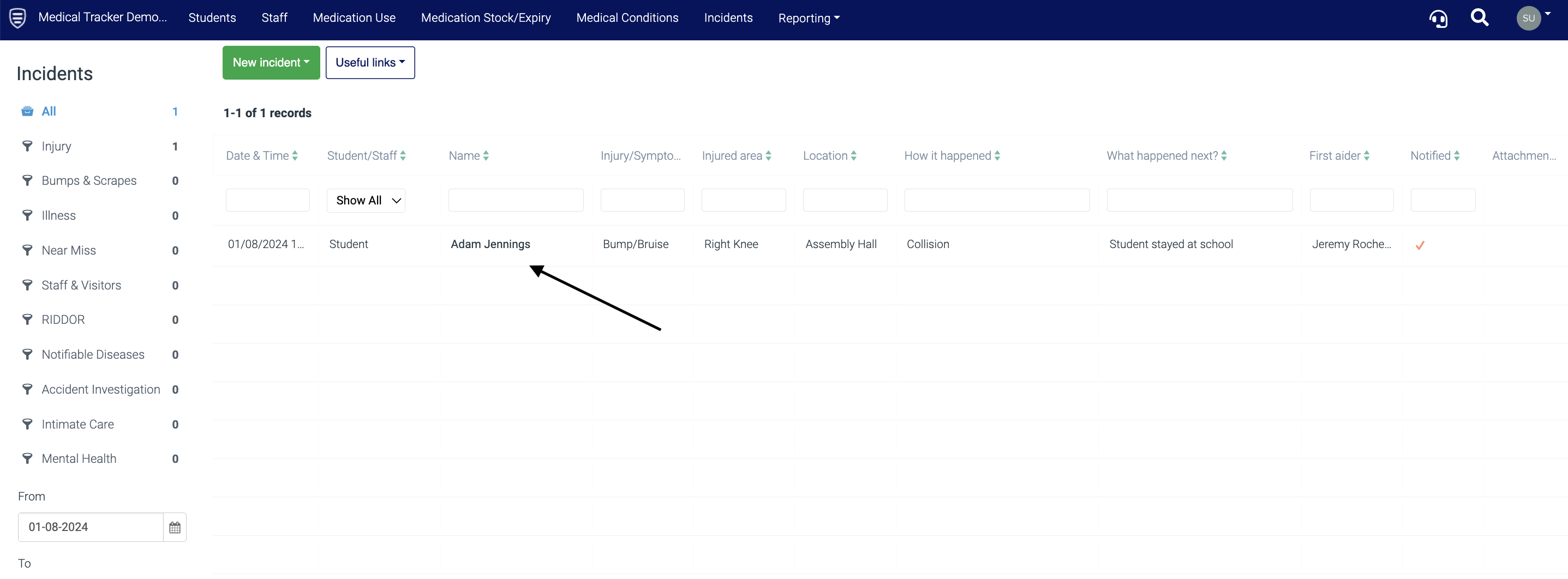
Find the incident, medication use, or medication expiry for which you want to send a notification, and click on the entry.
- Select Send Notification
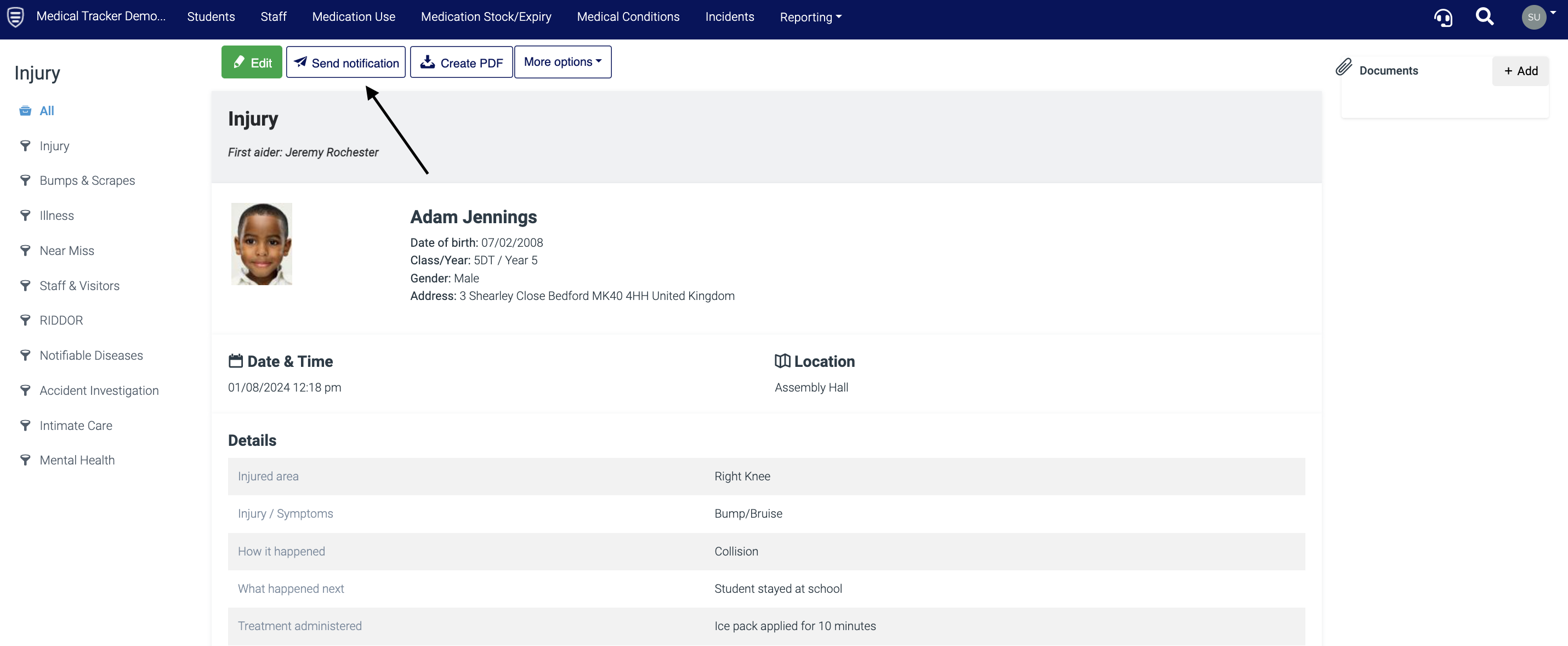
This will then give you a view of the corresponding template to send out.
Important: you need to select the relevant template from the drop-down menu above the notification preview. To see how to create and edit templates, click here.
On the left, you will see the parental contact information.
-
Click Parents/carers notifications
-
Select Email message
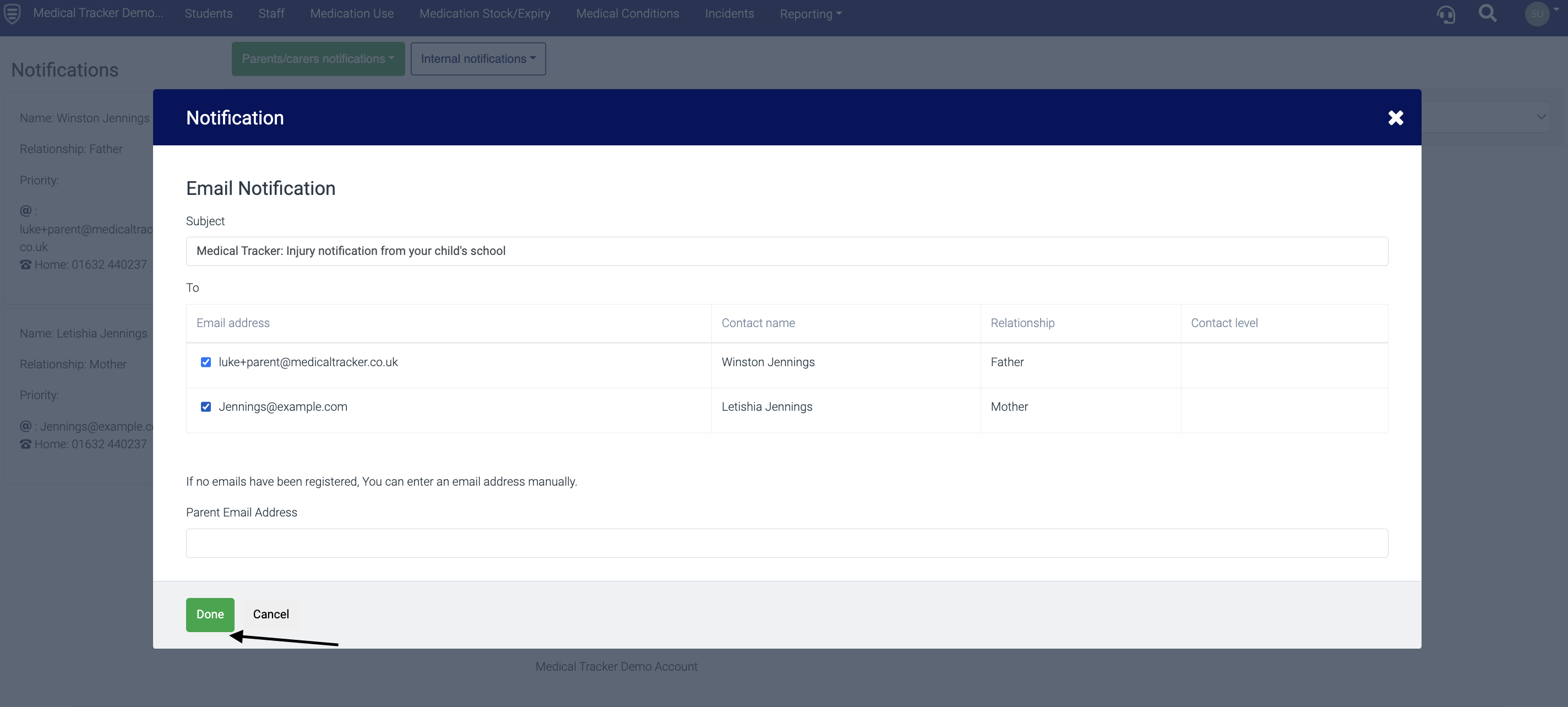
The next window has the option of selecting the email address of the contact/s to whom you want to send the notification.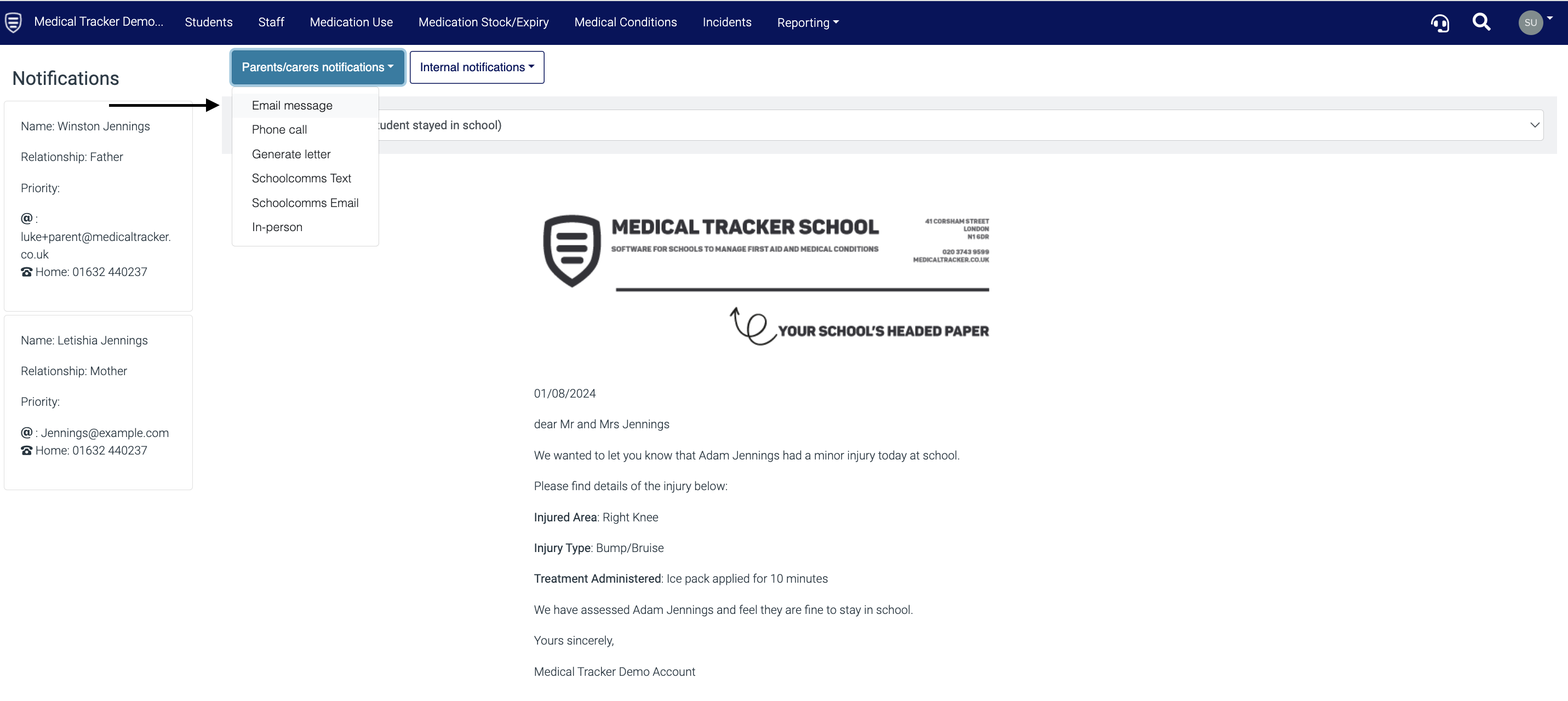
-
Click Done and the email will be sent from donotreply@medicaltracker.co.uk
 The email will then show under Communication on the incident record with the time and date it was sent.
To learn how to generate a letter notification, click here.
To learn how to record a phone call notification, click here.