![MT White Logo _ PNG-01.png]](https://help.medicaltracker.co.uk/hs-fs/hubfs/MT%20White%20Logo%20_%20PNG-01.png?height=31&name=MT%20White%20Logo%20_%20PNG-01.png)
To edit a staff member's details go to Medical Tracker > Staff
Find the staff member you wish to edit - you can search by name in the Search box or simply look through the list.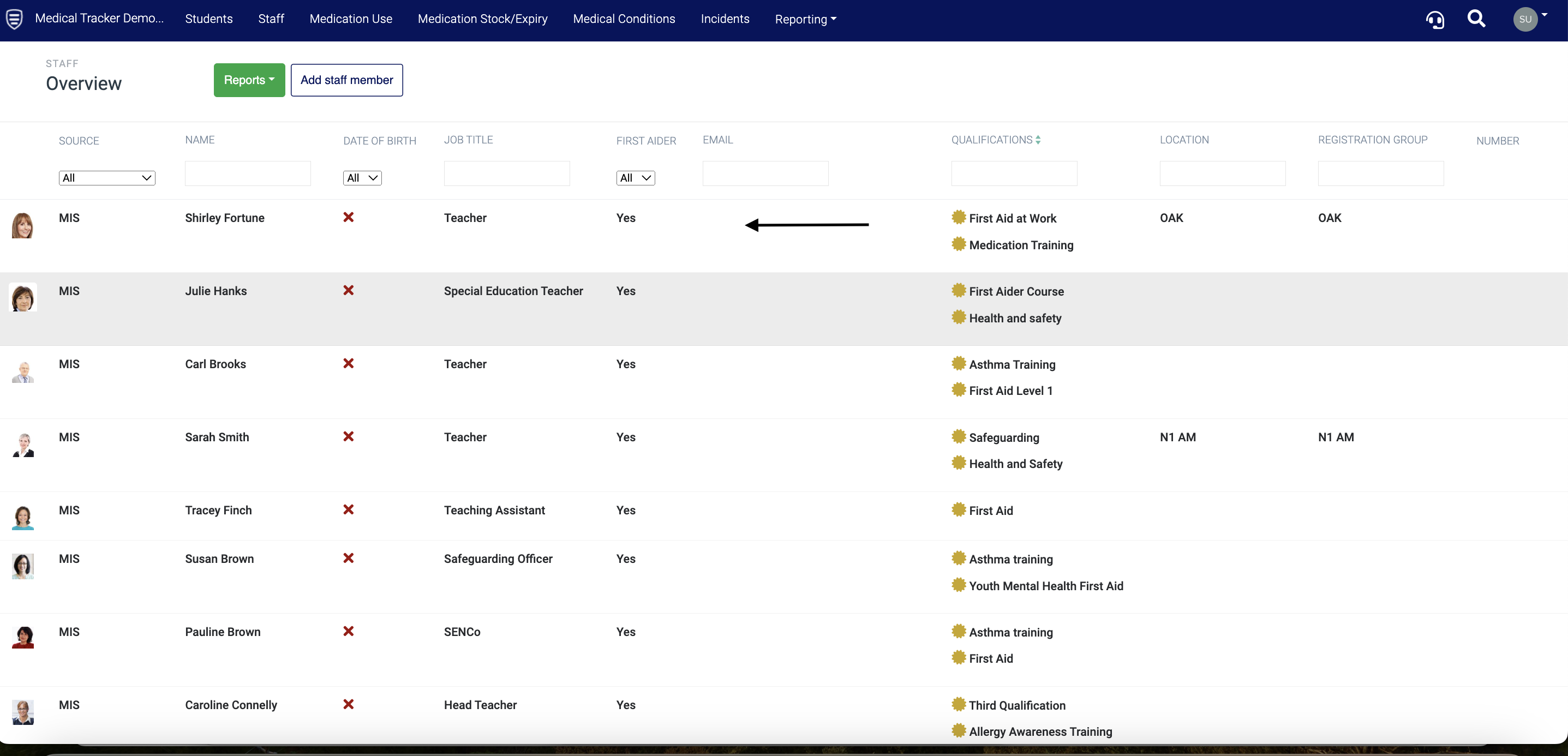
Click on the name of the staff member you wish to edit. Here, you can change the attributes below - please click on the link to take you to the relevant guide: